
Client Overview
A solo CPA managing over 300 clients faced increasing operational pressure during tax season. While client demand was strong, the firm struggled to maintain consistent turnaround times due to delays in receiving required documents.
The issue was not a lack of work. It was a lack of structured client communication and workflow automation.
The Real Problem Behind Missed Deadlines
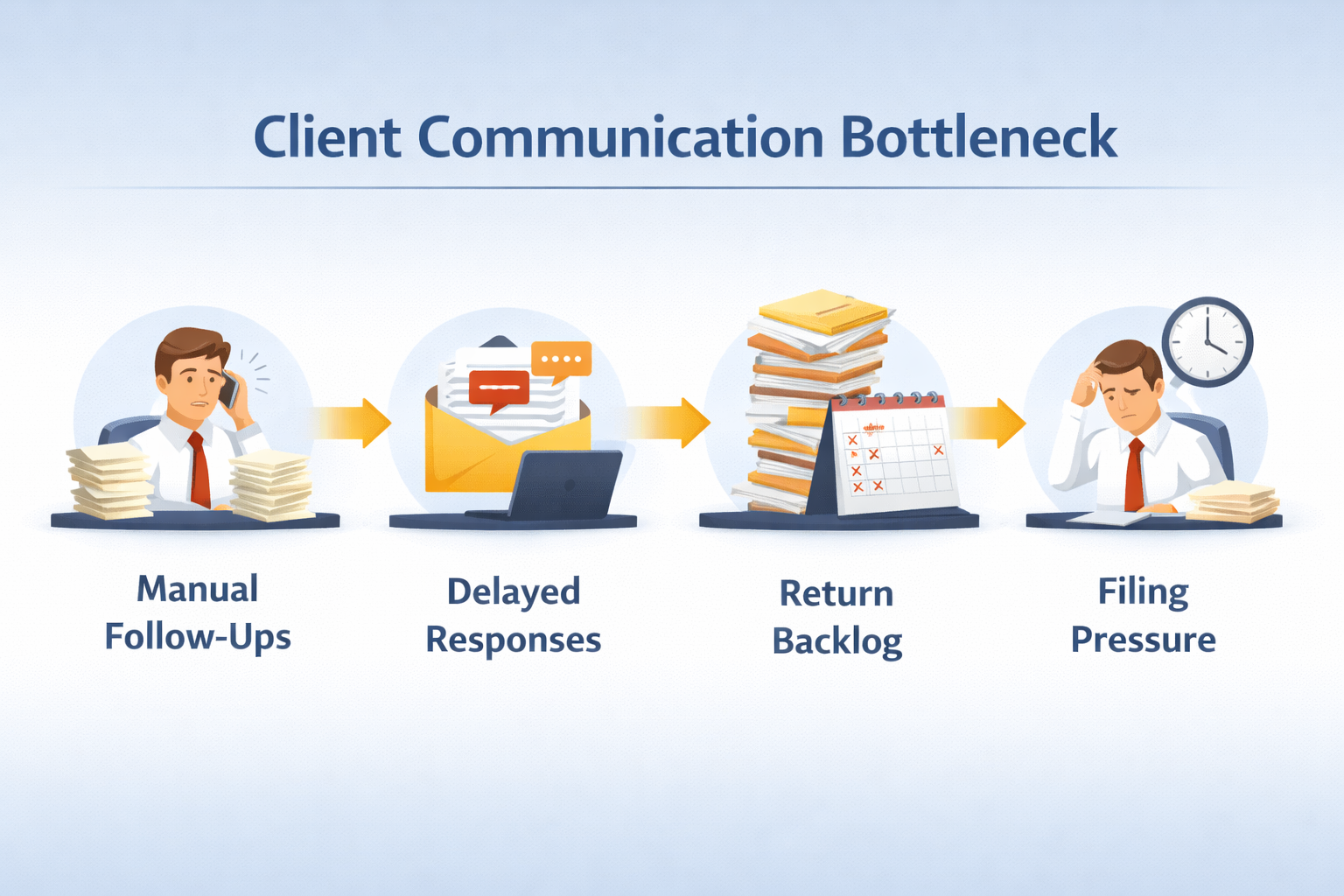
The CPA was spending hours every week manually following up with clients for missing documents.
This created multiple challenges:
- Clients submitted documents late or incomplete
- Returns were delayed across the pipeline
- Admin work consumed time meant for billable tasks
- Stress increased during peak filing periods
Without a structured system, the entire workflow depended on manual effort.
This is a common bottleneck for firms that have not yet implemented a proper remote accounting workflow.
Why Client Communication Breaks at Scale
As the number of clients grows, manual follow-ups become unsustainable.
What starts as simple reminders turns into:
- Repeated email chains
- Missed deadlines
- Inconsistent client experience
Many firms underestimate how much time is lost in chasing documents instead of processing them.
This is one of the key reasons why firms are moving toward structured systems, as explained in this guide on outsourcing tax preparation in 2025.
The SafeBooks Approach
SafeBooks focused on eliminating manual dependency and building an automated workflow that could scale with the firm’s client base.
1. Workflow Automation Setup in TaxDome
Automated reminders and task triggers were configured to:
- Notify clients about pending documents
- Trigger follow-ups based on deadlines
- Reduce dependency on manual emails
This ensured that communication continued without constant intervention.
2. Pre-Season Organizers and Checklists
Customized organizers were created for clients before the tax season began.
Each client received:
- A clear checklist of required documents
- Structured submission guidelines
- Defined timelines
This reduced confusion and improved submission quality.
3. Smart “Missing Items” Follow-Up Sequences
Instead of generic reminders, SafeBooks implemented automated sequences that:
- Identified exactly what was missing
- Sent targeted follow-ups
- Escalated reminders if delays continued
This created accountability without increasing manual workload.
4. Process Standardization
The entire workflow was aligned with best practices from SafeBooks’ experience in building scalable systems for firms using modern tools and secure environments.
Firms evaluating similar setups can refer to this guide on how to evaluate an offshore accounting partner to understand process maturity and system readiness.
The Outcome That Changed Operational Efficiency
Once the automated workflows were in place, the impact was immediate and measurable.
Key Results:
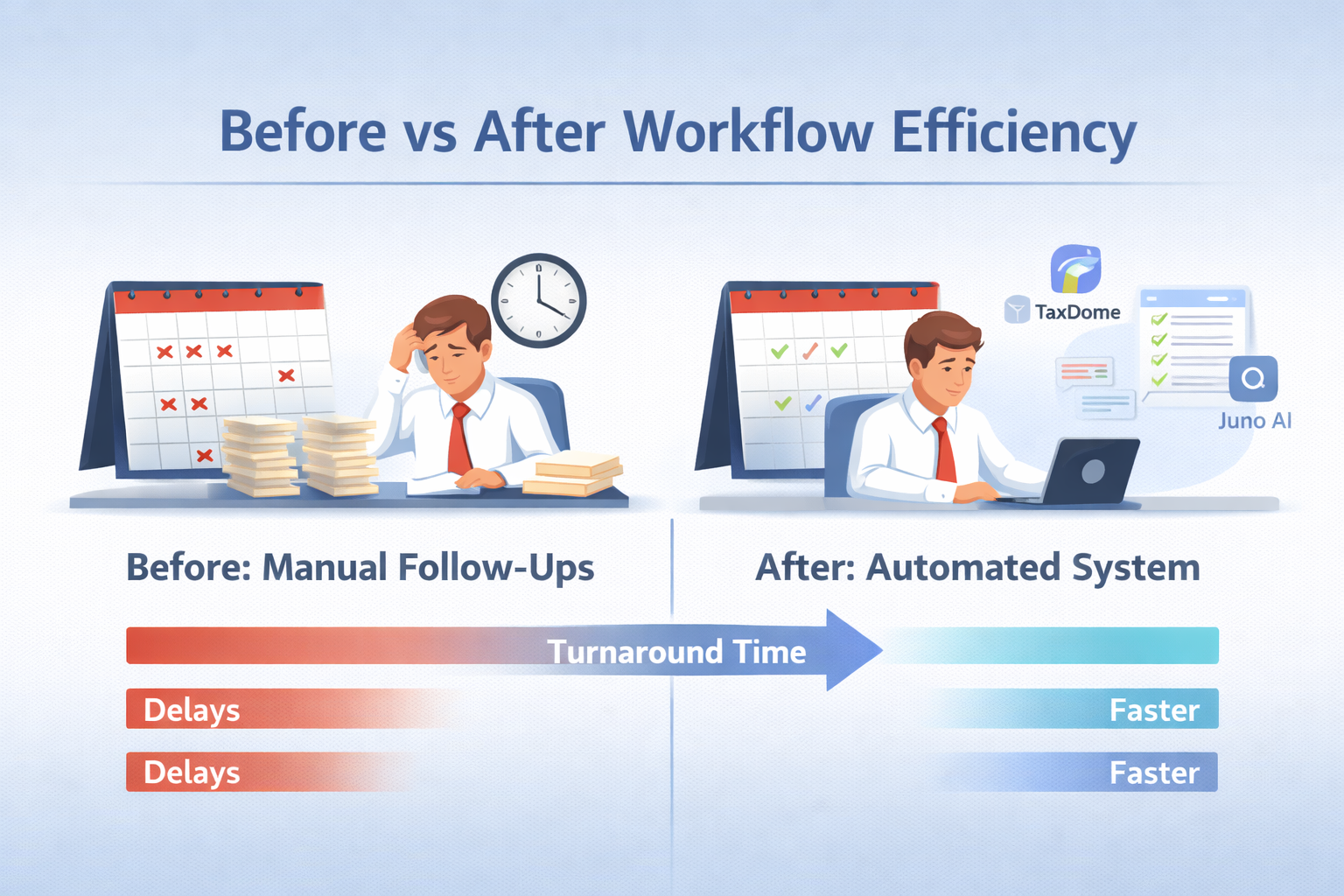
- Client response rates increased by 55%
- Administrative workload reduced by more than 10 hours per week
- Faster document collection across all clients
- Improved turnaround time for tax returns
The CPA was no longer spending time chasing clients. That time was redirected toward higher-value work.
What This Means for Growing CPA Firms
Client delays are not just a communication issue. They are a systems issue.
Without automation:
- Work piles up unpredictably
- Deadlines become harder to manage
- Teams experience unnecessary pressure
With structured workflows:
- Communication becomes consistent
- Clients know exactly what is expected
- Work moves through the pipeline faster
Before implementing automation or outsourcing, it is important to understand key considerations outlined in this guide on questions to ask before hiring a remote accounting team.
Building a System That Works Without Constant Follow-Ups
Automation does not replace relationships. It supports them.
By removing repetitive tasks, firms can:
- Focus on advisory and client service
- Improve turnaround times
- Scale without operational chaos
SafeBooks combines workflow automation with structured processes and secure systems, as outlined in this article on how SafeBooks protects client financial data.
When Workflows Start Doing the Heavy Lifting
The biggest shift for the CPA was not just saving time. It was gaining control over the workflow.
Instead of reacting to delays, the system proactively managed client communication.
That shift made the entire tax season more predictable and manageable.
If your team is still spending hours chasing documents, it is a sign that the system needs to change.
Start here: Contact SafeBooks